
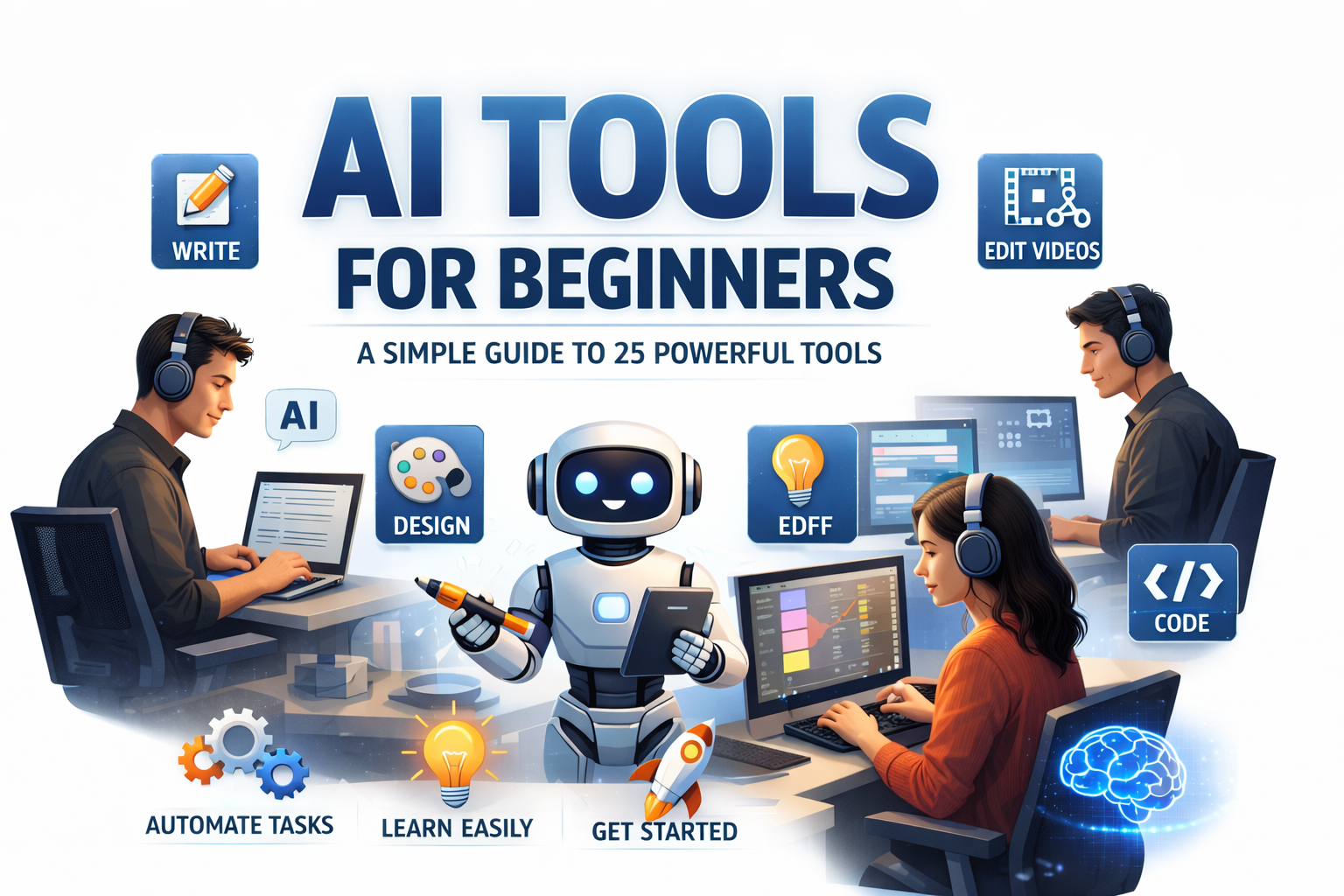
Artificial Intelligence is no longer science fiction. It’s here, and it’s changing how we work, learn, and create. If you’ve ever wondered about AI tools for beginners explained in simple language, you’re in the right place.
Today, AI tools help people write articles, design graphics, edit videos, automate tasks, and even code software. The best part? You don’t need to be a tech expert to use them. In fact, many tools are built specifically for beginners.
This guide will walk you through everything step by step. We’ll break down complex ideas into simple concepts. We’ll explore 25 powerful tools. And we’ll show you how to start confidently—even if you’re completely new.
Let’s dive in.
What Are AI Tools and How Do They Work?
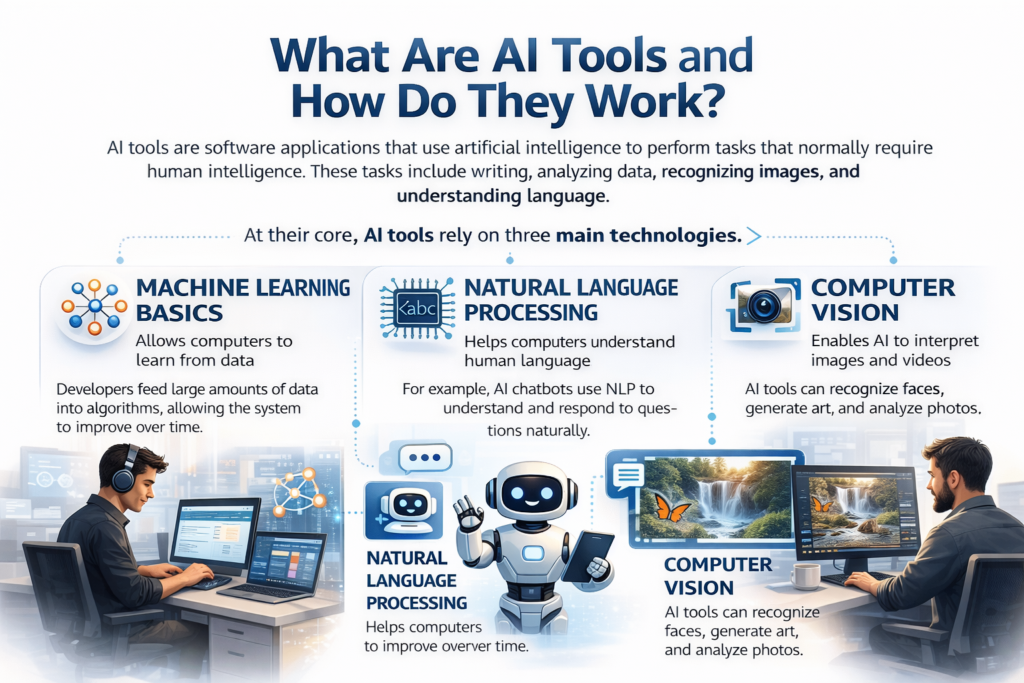
AI tools are software applications that use artificial intelligence to perform tasks that normally require human intelligence. These tasks include writing, analyzing data, recognizing images, and understanding language.
At their core, AI tools rely on three main technologies.
Machine Learning Basics
Machine Learning allows computers to learn from data. Instead of programming every rule manually, developers feed large amounts of data into algorithms. Over time, the system improves.
For beginners, you don’t need to understand the math behind it. You just need to know this: the more data AI sees, the smarter it becomes.
Natural Language Processing
Natural Language Processing (NLP) helps computers understand human language. This is how AI chatbots, writing tools, and voice assistants work.
For example, when you type a question into an AI tool, NLP allows it to understand your request and respond naturally.
Computer Vision
Computer Vision enables AI to interpret images and videos. Tools that remove backgrounds, generate artwork, or analyze photos rely on this technology.
Together, these technologies power the AI tools beginners use daily.
Why Beginners Should Start Using AI Today
There’s never been a better time to learn about AI tools for beginners explained in practical terms.
Here’s why:
- AI saves time.
- AI reduces repetitive work.
- AI improves creativity.
- AI increases productivity.
- AI creates new income opportunities.
Moreover, businesses are adopting AI rapidly. According to industry research shared by reputable technology platforms like https://openai.com, AI adoption is growing across industries including education, healthcare, and marketing.
If you start now, you’ll gain a valuable skill advantage.
25 Powerful AI Tools for Beginners
Now let’s explore 25 powerful tools categorized for easy understanding.
Writing and Content Creation Tools
- Chat-based writing assistants
- Grammar correction tools
- Blog outline generators
- Email writing assistants
- SEO optimization tools
These tools help beginners write faster and better. You simply provide instructions, and the AI generates content. It’s like having a smart writing partner.
Image and Design Tools
- AI image generators
- Background removal tools
- Logo creation platforms
- Social media graphic tools
- AI art creators
These tools turn text into images. For beginners, this is a game-changer. You don’t need design skills. Just describe what you want.
Video and Audio Tools
- AI video editors
- Text-to-video tools
- AI voice generators
- Automatic subtitle creators
- Podcast editing AI
Content creators love these tools because they save hours of manual editing.
Productivity and Automation Tools
- AI scheduling assistants
- Smart email sorting tools
- Meeting summary generators
- Workflow automation platforms
- AI task managers
If you’re overwhelmed with daily tasks, these tools can help streamline your work.
Coding and Development Tools
- Code suggestion tools
- Bug detection AI
- Website builders
- App prototyping AI
- Data analysis tools
Even beginners with zero coding experience can build simple websites using AI-powered builders.
How to Choose the Right AI Tool
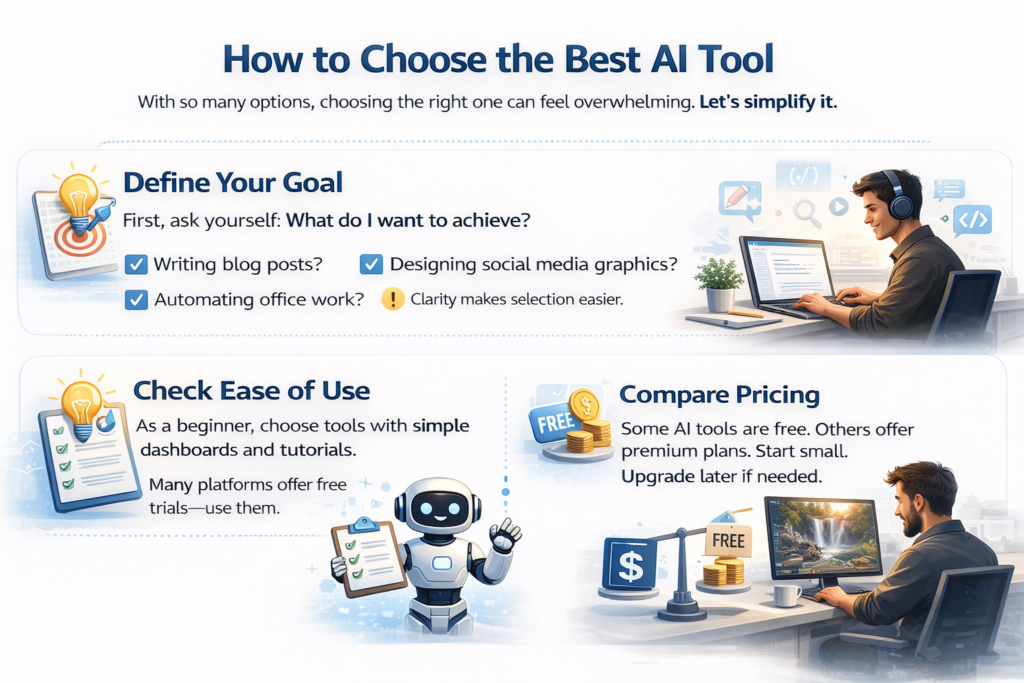
With so many options, choosing the right one can feel overwhelming. Let’s simplify it.
Define Your Goal
First, ask yourself: What do I want to achieve?
- Writing blog posts?
- Designing social media graphics?
- Automating office work?
Clarity makes selection easier.
Check Ease of Use
As a beginner, choose tools with simple dashboards and tutorials. Many platforms offer free trials—use them.
Compare Pricing
Some AI tools are free. Others offer premium plans. Start small. Upgrade later if needed.
Step-by-Step Guide to Getting Started
Getting started with AI doesn’t have to be complicated.
Step 1: Pick one tool.
Step 2: Watch beginner tutorials.
Step 3: Practice daily.
Step 4: Experiment with prompts.
Step 5: Measure results.
Consistency is key. You’ll improve quickly.
Common Mistakes Beginners Should Avoid
When learning about AI tools for beginners explained clearly, it’s also important to understand what not to do.
- Expecting perfect results instantly.
- Relying fully on AI without editing.
- Ignoring privacy policies.
- Using too many tools at once.
- Not learning basic skills alongside AI.
AI should assist you—not replace your thinking.
The Future of AI for Beginners
AI is evolving rapidly. Tools are becoming smarter, faster, and more accessible.
In the future, beginners will:
- Build apps without coding.
- Create films using text prompts.
- Automate entire businesses.
- Learn personalized skills through AI tutors.
The opportunity is massive. And honestly, we’re just getting started.
FAQs About AI Tools for Beginners
1. Are AI tools safe for beginners?
Yes, most AI tools are safe if used responsibly. Always check privacy policies and use trusted platforms.
2. Do I need coding knowledge to use AI tools?
No. Many AI tools are designed for non-technical users.
3. Are free AI tools good enough?
For beginners, yes. Free versions offer enough features to learn and experiment.
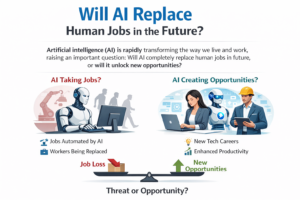
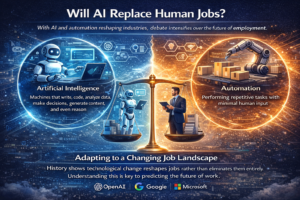
4. Can AI tools replace human jobs?
AI automates tasks, but human creativity, strategy, and emotional intelligence remain essential.
5. How long does it take to learn AI tools?
Most beginners can understand basic tools within a few days of practice.
6. What is the best AI tool for beginners?
The best tool depends on your goal. Writing tools are great for content creators, while design AI works well for marketers.
Conclusion
Understanding AI tools for beginners explained in simple terms opens the door to endless opportunities. These tools aren’t just for programmers or tech experts. They’re for students, business owners, creators, freelancers, and professionals.
Start small. Stay curious. Experiment boldly.
AI isn’t here to replace you—it’s here to empower you.
The sooner you begin, the faster you grow.